Building SharkDown: A Visual-First Markdown Editor for Developers
Project Overview
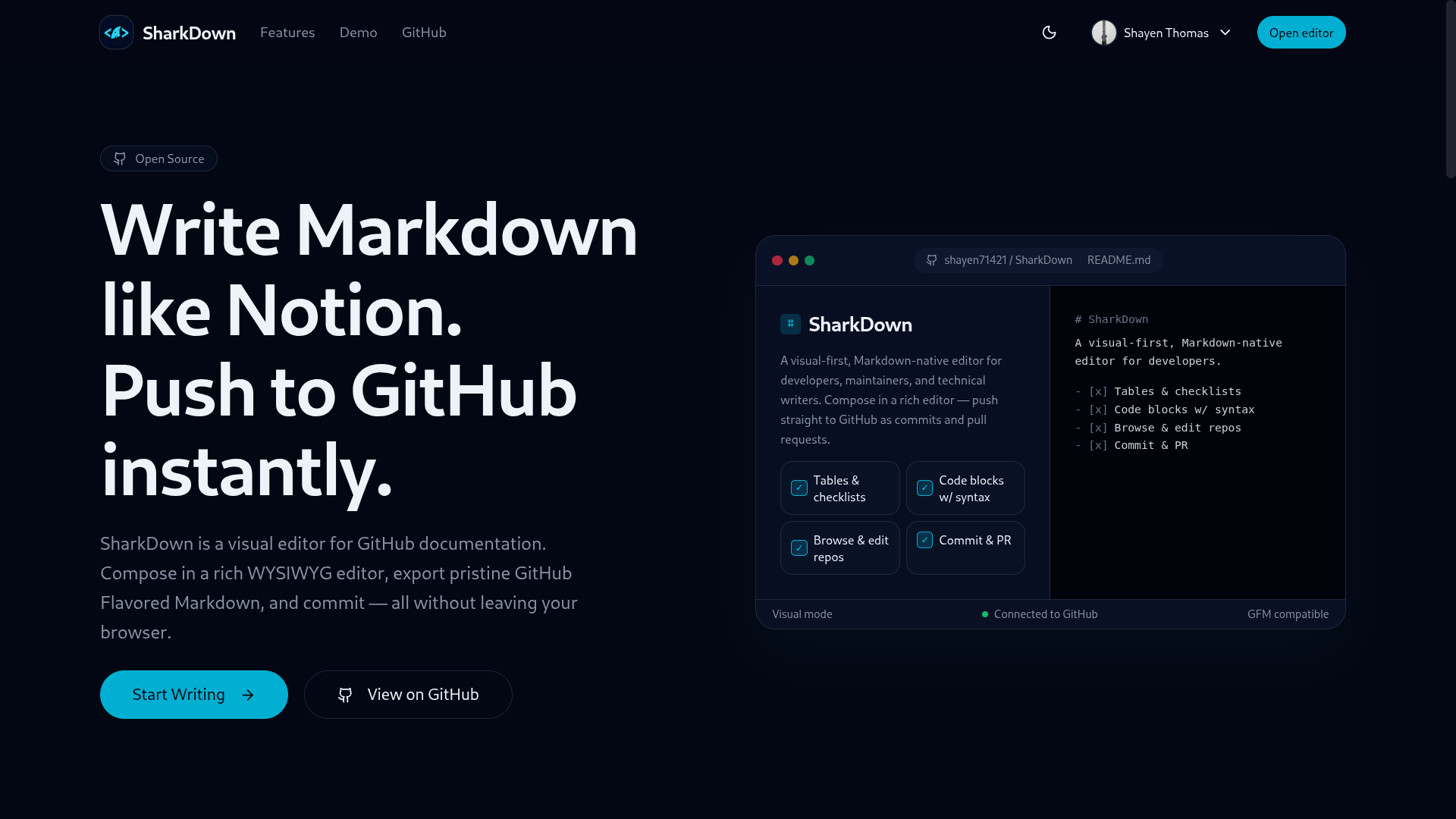
SharkDown is a visual-first, Markdown-native editor for developers, maintainers, and technical writers. Compose in a rich WYSIWYG editor — push straight to GitHub as commits and pull requests. Supports tables, code blocks, image handling, and GitHub Flavored Markdown export. Open source, because of course it is.
The Problem
Writing documentation feels like solving a Rubik's cube while blindfolded. Switch to the editor. Type some asterisks. Switch to preview. Forgot to close a bracket. Switch back. Your entire README breaks because you missed one escape character. It's 2026 and we're still doing this?
I wanted something that let me write in a rich editor — where bold text looks bold and tables actually look like tables — and still get clean, spec-compliant Markdown out the other end. Bonus points if it pushed straight to GitHub so I never had to touch a terminal.
The Solution
SharkDown combines a WYSIWYG editor with direct GitHub publishing. Write in a rich editor where everything renders inline — no split-pane preview, no mental syntax parsing. Under the hood, TipTap (ProseMirror) translates every keystroke into a structured document model, which gets serialised into GitHub Flavored Markdown on demand.
The result: write in WYSIWYG, ship as Markdown, zero context switching. Your README never breaks again.
Key Features
Rich WYSIWYG editing with headings, bold, italic, code blocks, tables, images, links, and lists — everything inline, no preview tab needed. Direct GitHub publishing via OAuth: create or update files with proper commit messages, or open pull requests straight from the editor. Clean GFM export that serialises tables with pipe alignment and preserves code block syntax. A file browser lets you open and edit existing repo files without leaving the editor.
Technical Architecture
TipTap on ProseMirror handles all the contentEditable complexity — tables with drag-to-reorder rows, code blocks with syntax highlighting, image embeds with alt text. A serverless function on Vercel handles GitHub OAuth (because keeping client secrets in the bundle is a vibe we're not doing). The authenticated client uses the GitHub REST API to read, write, and PR across repos.
The GFM serializer is the real MVP — it walks the TipTap document tree and produces spec-compliant output with properly aligned tables. Tech stack: Next.js (App Router), TypeScript, TipTap, GitHub API, Tailwind CSS, Vercel Functions.
Challenges & Solutions
Tables were the villain of this story. TipTap's table extension handles the grid fine, but serialising to GFM pipe tables meant building a custom serializer that walks every cell and aligns columns by content width. Not glamorous, but it works.
Images needed paste-from-clipboard support alongside traditional Markdown insertion — two UX flows, one editor. The OAuth flow required a serverless endpoint to exchange codes for tokens without leaking secrets. And ensuring round-trip fidelity (editor → Markdown → editor) meant writing a test suite that parses, renders, and diff-check the output. Because shipping a broken serializer is not the flex I thought it was.
What I Learned
Building a rich text editor is humbling. ProseMirror's document model is powerful but has a learning curve shaped like a cliff. GFM serialisation looks easy until you hit nested lists with mixed formatting. And OAuth flows feel simple until you realise your app is client-side and now you need a serverless function.
The biggest takeaway: combining WYSIWYG editing with direct GitHub publishing creates a workflow that didn't quite exist before. Developers don't want another editor — they want the editor to disappear. SharkDown gets close to that.
SharkDown has been used to write READMEs, documentation, and blog posts — all pushed straight to GitHub without ever opening a terminal. The repo is public. Fork it. Contribute. Or just steal the GFM serializer, I won't judge.